
Figma Make
Build Freshworks UI from a prompt.
Two starter templates for Figma Make — both wired to the Dew NPM library and the new Dew MCP server. Describe the screen you need and Make composes it from real Dew components, with real tokens, following Dew composition rules. Less “AI sketch, then redo in the design system”; more “ships like Dew from the first draft.”
Treat this as Alpha
Figma Make is more finicky with NPM libraries than Cursor — expect rough edges. Please report bugs so we can sharpen the starters. Available to everyone with access to Figma Make.
Two ways to start fast.
Both pull in the Dew NPM library and the Dew MCP connector. Pick the one closer to where you’re building.
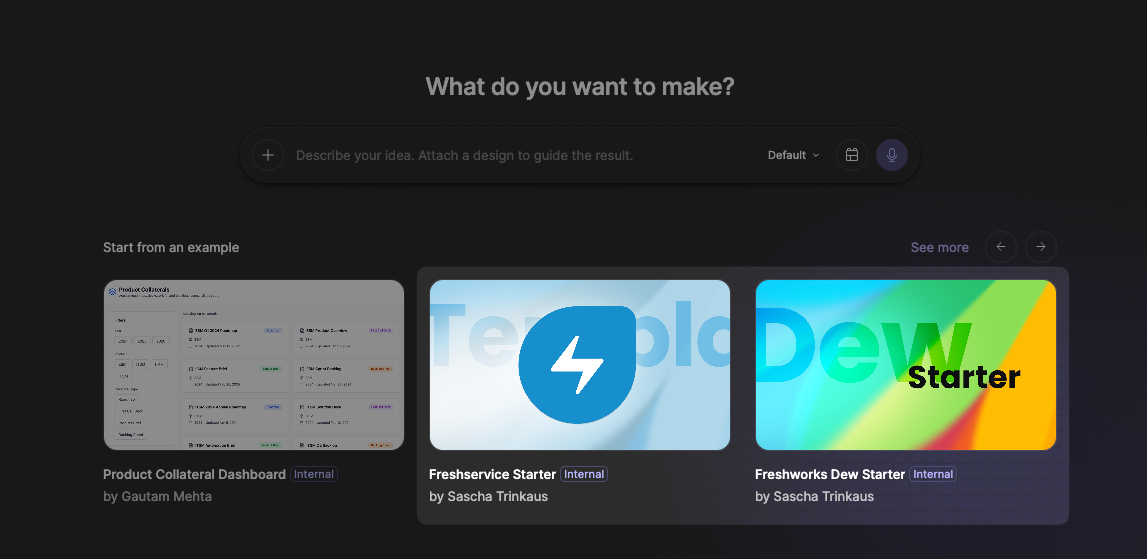 DEW NPM + MCP
Freshworks Dew Starter
A bootstrap project wired up with the Dew NPM library and the Dew MCP connector. Use it as the canvas for any Freshworks product surface — Freshdesk, Freshsales, Freshchat, internal tools.
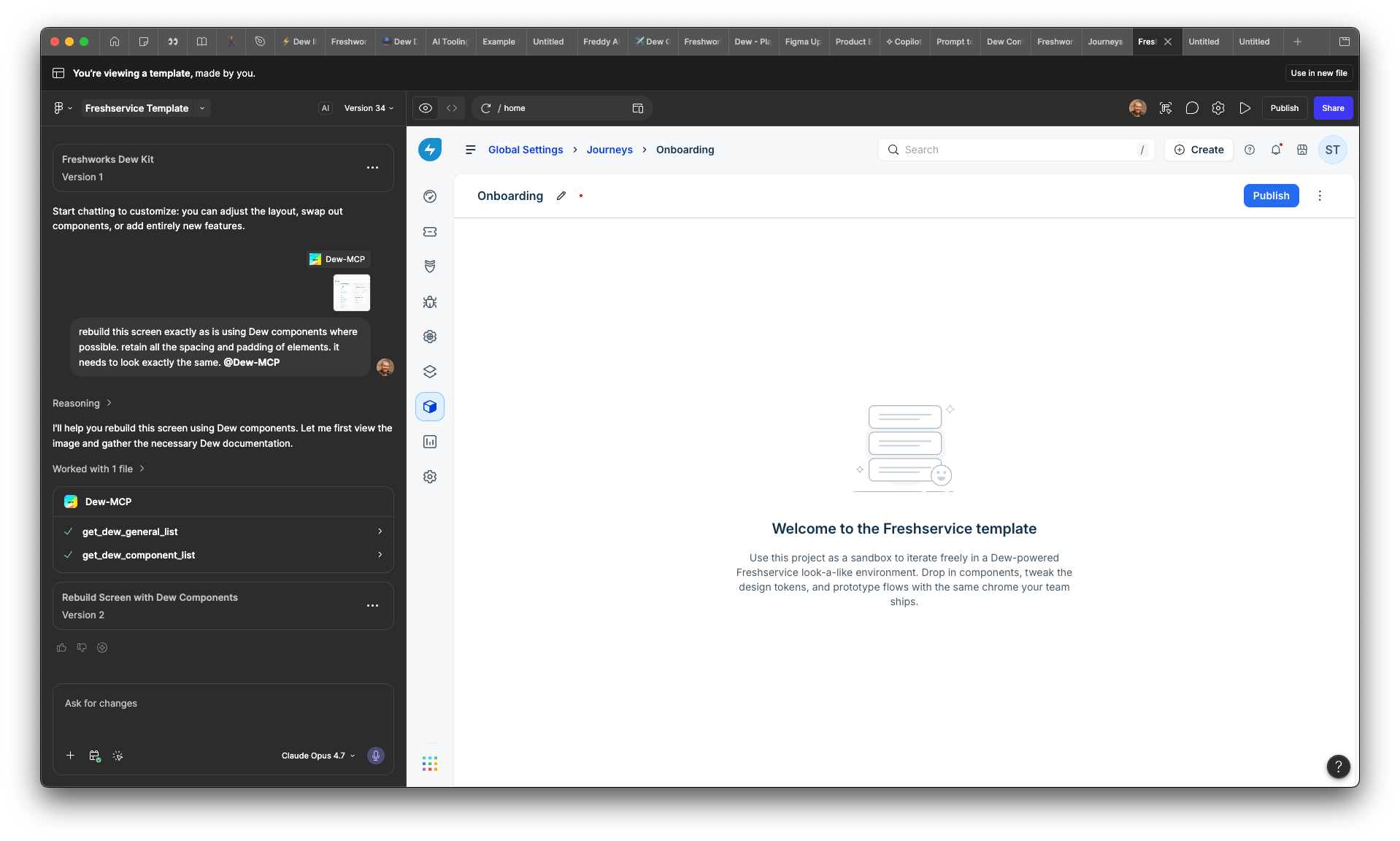 FRESHSERVICE
Freshservice Starter
A Freshservice-shaped sandbox sitting on top of Dew. Same Dew + MCP under the hood, plus a few Freshservice page templates (Journeys, Onboarding) ready to remix.
Add the Dew MCP in two clicks.
You don’t need to start from a Dew starter to use the MCP. Drop it into any Make project — old or new — from the prompt bar.
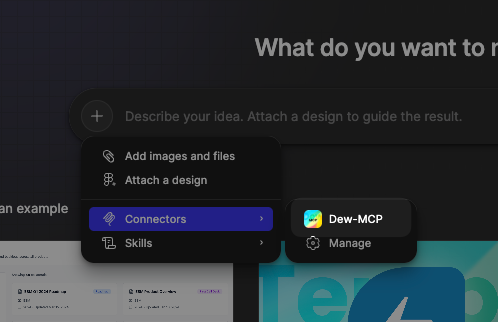
Open an existing Make project. Click the + in the prompt bar, choose Connectors, then pick Dew-MCP from the list. Manage it from the same menu later.
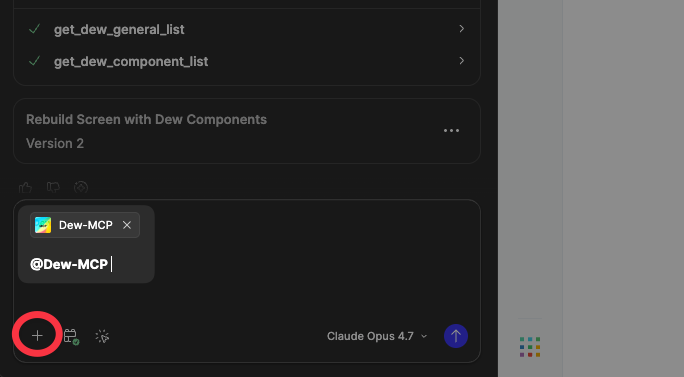
From anywhere in the prompt bar, type @ and pick dew-mcp from the autocomplete. Sticks to the conversation, so the AI uses it for every turn that follows.
Dew-native output, from the first render.
With Dew NPM + MCP wired in, Make stops generating bespoke HTML and starts assembling from the same library your team builds with.
Real Dew components
Make assembles from the Dew catalog — buttons, inputs, banners, navigation — not bespoke HTML. Output ships closer to production from the first render.
Token-driven styling
Colors, spacing, radii, type — all pulled from Dew tokens. No magic numbers, no off-palette hexes, no surprise gradients.
Composition rules baked in
Pattern-aware: input + validation, banner + actions, list + empty state. The AI knows how Dew pieces fit together, not just what they look like.
AI-readable, human-readable
Same source of truth for designers, writers, and agents. What you describe in the prompt and what your team designs in Figma stay aligned.
Report it. Every rough edge sharpens the starters.
Two things help most: a screenshot of the prompt you used, and a short description of what Make produced vs. what you expected. We’re iterating quickly — alpha means real fixes, not bug-list purgatory.
- •The Dew-MCP connector may take a beat to appear after publish — refresh Make if it’s missing.
- •Make handles NPM libraries less gracefully than Cursor; complex prompts may still need a follow-up nudge.
- •PRs to fix prompt patterns are welcome — the starters live in the Dew monorepo.